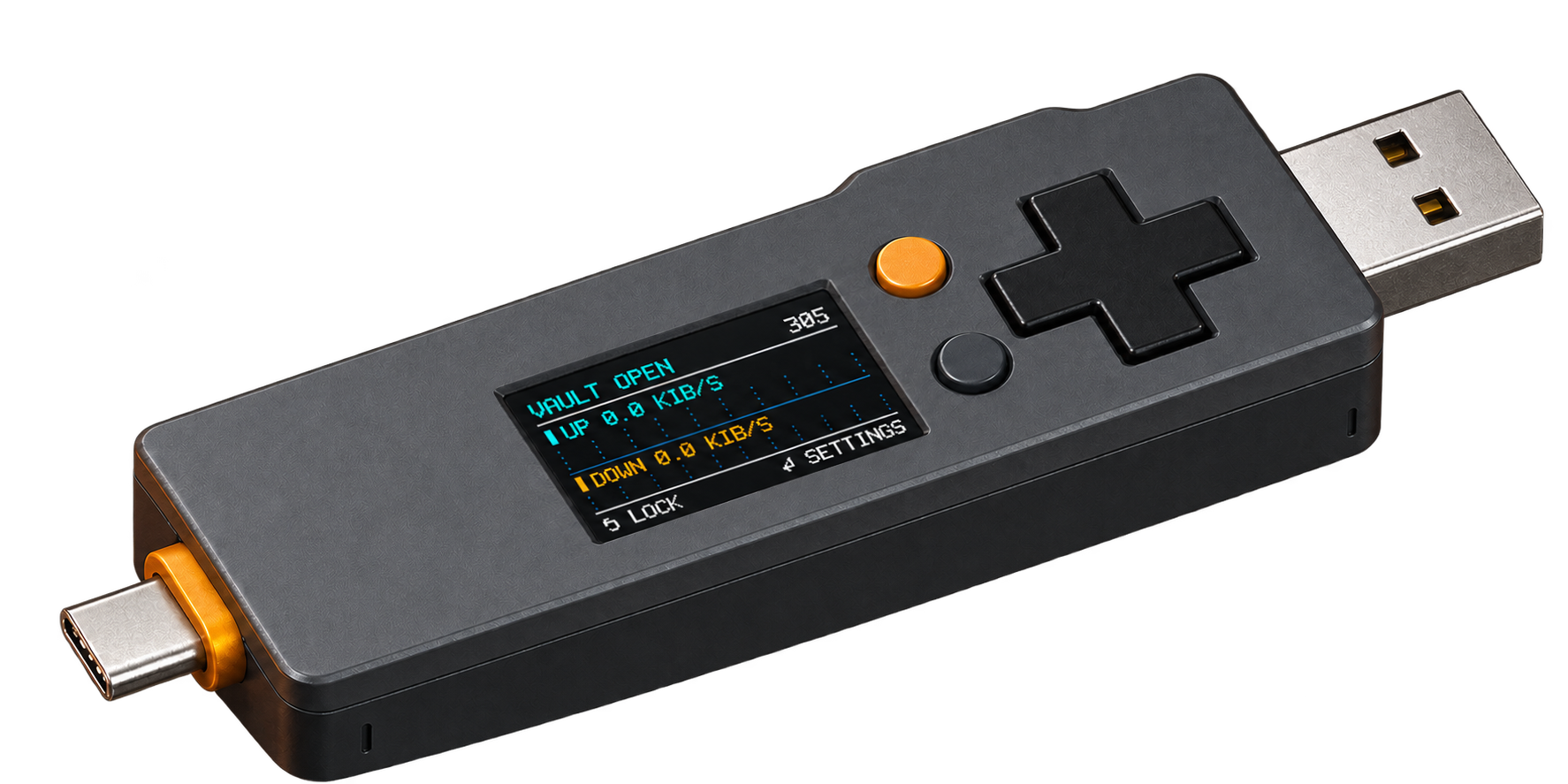
A portable encrypted USB drive and FIDO2 security key, together in a dedicated device. Unlock with its own screen and controls. Carry sensitive files and approve sign-ins on the device.
Keep your secrets close. In active development; not available to purchase yet.
YOUR DATA. YOUR DEVICE.Concept render · Design in development
THE FILES YOU MEANT TO PUT SOMEWHERE SAFE
Where did your recovery codes end up?
You secured an account. Downloaded the recovery codes. Then left them in Downloads, took a screenshot, or made a note to sort them out later.
Vault is being built to give that information a deliberate home: recovery codes, private notes and sensitive documents, alongside the passkeys you use to sign in.
TWO EVERYDAY USES / ONE DEVICE
Carry your files. Approve your sign-ins.
01 / ENCRYPTED PORTABLE STORAGE
Sensitive files, ready when you need them.
Enter your unlock credential on Vault itself. Access your files as a normal USB drive, then safely eject and lock it when you are finished. Encryption happens inside the device before data reaches storage.
Unlock on Vault → Access your files → Eject and lock
02 / FIDO2 PASSKEYS
A security key you can carry.
Register Vault with a supported website or service. When you sign in, unlock Vault if needed and approve the request on its controls. The authenticator uses a private key to respond; passkeys are not ordinary files you copy onto the USB drive.
Register with a service → Unlock Vault → Approve the request
The current firmware uses vault unlocking for both storage and FIDO. Each registration or sign-in still needs approval on the device.
WHY FUSE VAULT EXISTS
A little paranoid. Useful every day.
Your everyday computer does a lot. Vault has a narrower job: hold sensitive files and authentication credentials, with a screen and controls of its own.
The aim is a device you can understand and choose to trust. That means open software, documented design choices, and explanations of how the protections work.
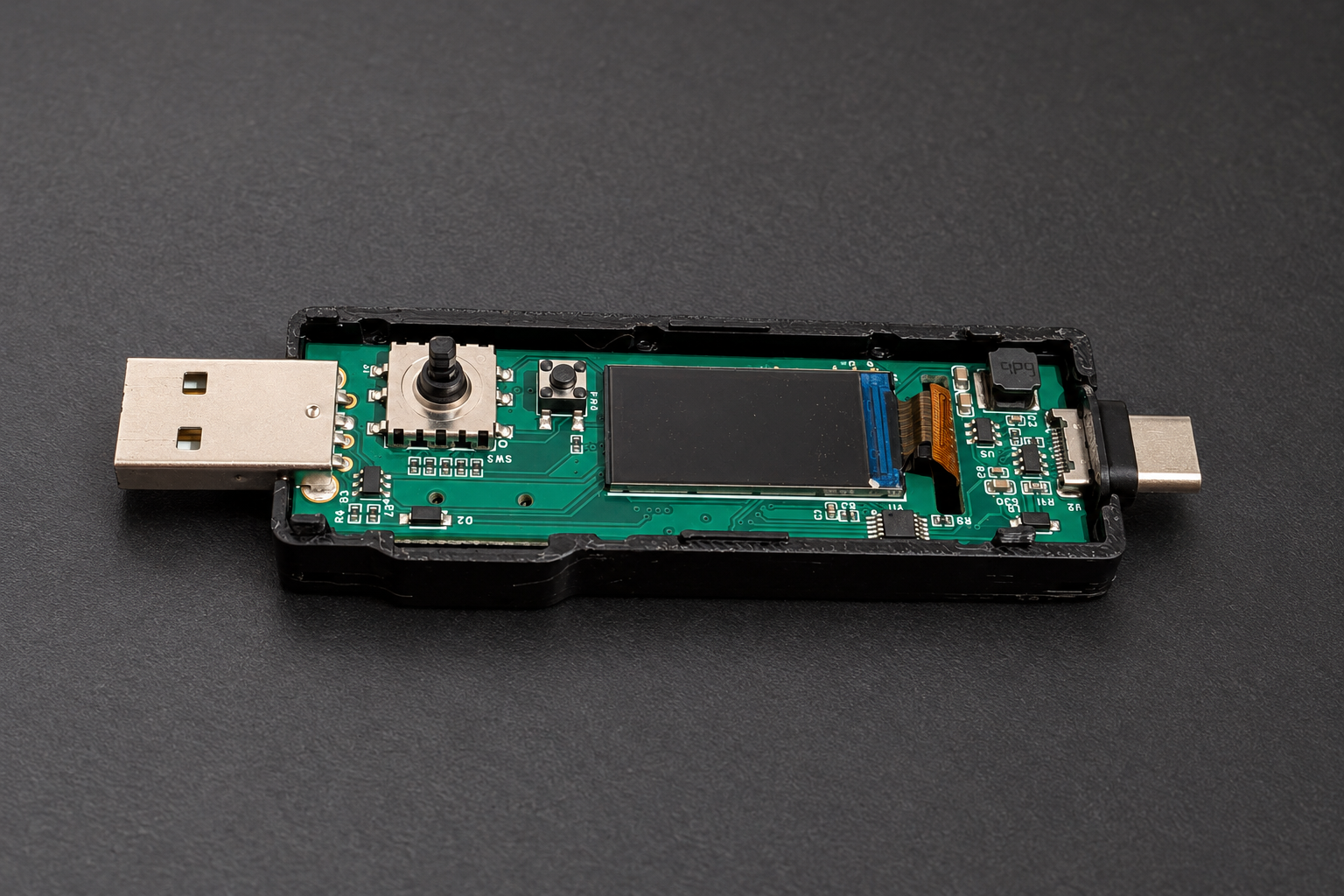
The V2 board is already used by its developer for passkeys and recovery codes. Work continues on the hardware, firmware and the testing needed for a finished device.
Current prototypes use an SD card for storage. Integrated NAND flash with a controller is a direction we would like to pursue as engineering capacity and cost allow.